OIC REST Adapter: Fix Empty JSON Sample Arrays
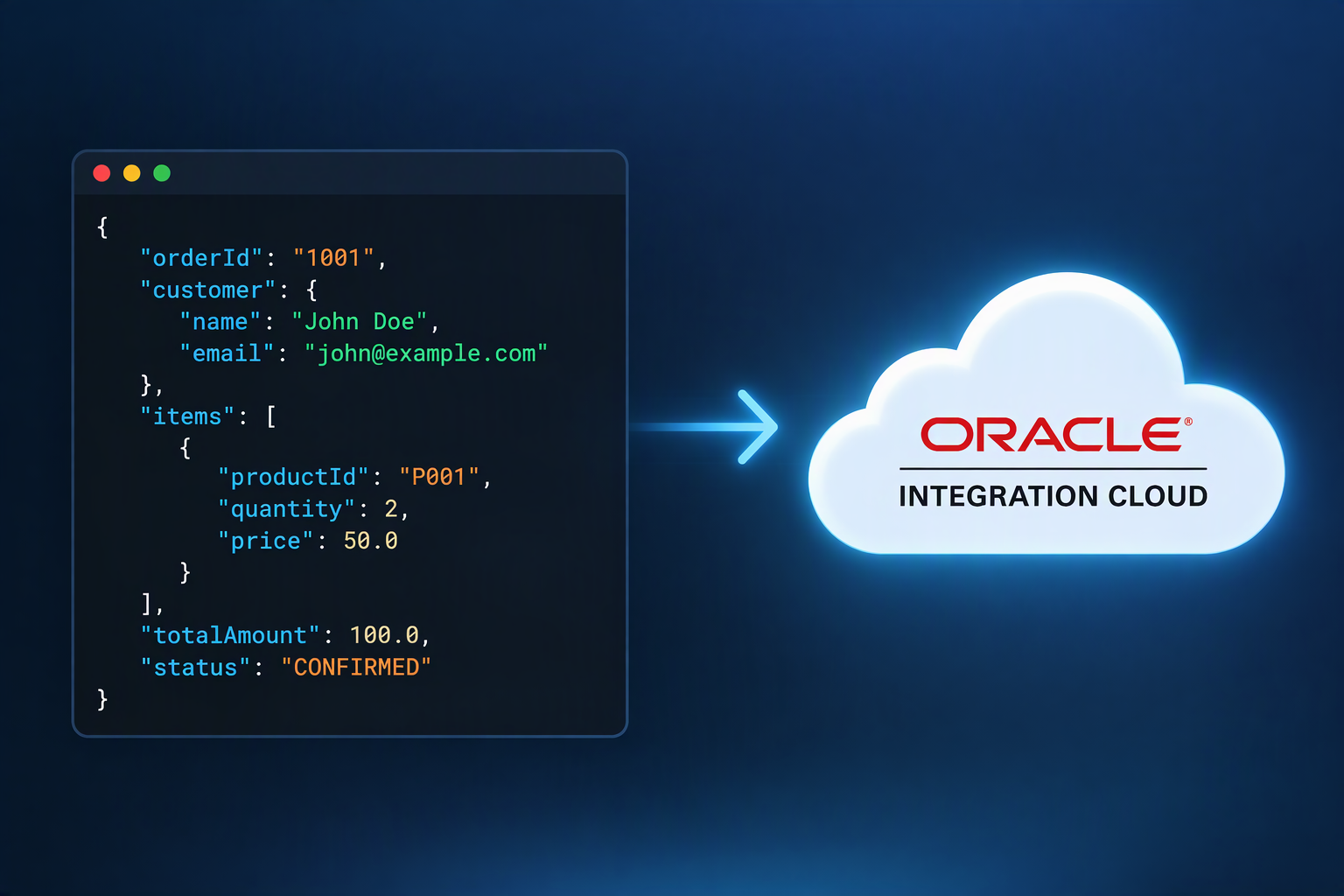
An empty REST result is a poor OIC schema sample
1. Valid JSON is not always a usable sample
You call a REST API, receive a successful response with an empty collection, and upload that response while configuring an Oracle Integration 3 REST Adapter invoke. The JSON is valid, but schema generation fails. These facts are not contradictory: JSON syntax validation and design-time schema generation answer different questions.

Oracle’s description of the empty-array diagnostic includes “Failed to generate XML schema from the JSON sample.” Its specific root cause is: “Empty Array is not allowed in sample JSON.” Read the root cause rather than assuming the response contains malformed JSON.
For developers moving from Fusion to OIC, separate the application’s REST response from the integration’s design-time model. A Fusion query returning no records is an application result; the REST Adapter sample is input for constructing an integration schema. This article demonstrates no Fusion endpoint or business-object contract.
2. Obtain evidence of the collection’s structure
An empty array tells a reader that a collection exists, but provides no members to inspect. It does not show whether members are strings, numbers, or objects, or which fields an object contains. That is the structural gap behind this sample-selection problem, not a defect in JSON itself.
Oracle’s invoke configuration documentation explicitly says empty arrays in JSON sample files are not supported. It also requires samples to represent actual runtime messages and documents a 100 KB JSON sample limit. Those are documented constraints; the structural explanation above is explanatory reasoning.
First, consult the actual API contract for a representative nonempty response example. Alternatively, obtain a suitable response from a non-production environment where authorized test records already exist. Do not create or change production data just to populate a schema sample.
Next, sanitize sensitive values while retaining field names, nesting, and real JSON types. Keep numbers numeric and booleans boolean; do not turn every value into a string. Review optional fields against the contract, since one response may omit fields that other legitimate responses contain. Inspect nested collections too: a populated outer array can still contain an empty inner array.
3. Use a small, representative shape
The following is a generic, untested illustration, not a Fusion endpoint schema and not a substitute for your API’s contract. Its reference property is deliberately generic and string-valued:
{
  "items": [
    { "reference": "EXAMPLE-A" },
    { "reference": "EXAMPLE-B" }
  ]
}
Both members expose the same object shape. Two members make repetition visible to the reader; they are illustrative, not an Oracle minimum or a schema-generation rule. Do not add a reference field to a real sample unless the real contract contains it.
In the invoke configuration wizard, select the response payload format’s JSON Sample option and supply your sanitized, contract-aligned sample. Continue configuration and inspect the generated structure before building mappings. If generation still fails, read the new diagnostic instead of assuming every failure has the empty-array cause.
4. Validate runtime cases separately
A design-time sample restriction does not, by itself, establish how a configured integration handles an empty collection at runtime. Nor does successful schema generation prove that every response variant will work.
Separately validate empty, single-member, and multiple-member responses in a suitable non-production environment. Observe response translation, mappings, and downstream processing, especially logic that expects a member to exist. Compare each result with the API contract and the integration’s intended behavior.
Treat schema generation and runtime validation as separate steps, not interchangeable evidence.
Comments
Join the discussionNo comments yet. Be the first to comment.